
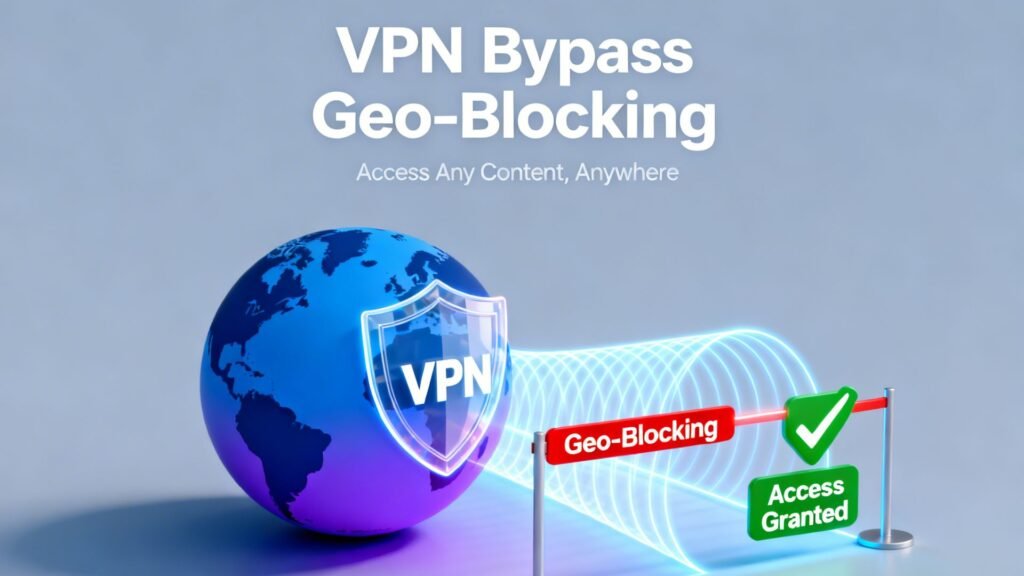
Geo-blocking is a digital content control method that restricts access based on a user’s geographic location. Streaming platforms license movies and television shows by country, creating major catalog differences between regions. For example, the United States Netflix library typically offers thousands more titles than smaller Southeast Asian libraries. When you try to access content outside its licensed region, the platform detects your location and limits availability.
A Virtual Private Network reroutes your internet traffic through a server in another country, making it appear as if you are browsing from that location. This article explains how geo-blocking works, how VPN technology bypasses regional restrictions, and what users should consider before accessing region-locked streaming libraries.
How Geo-Blocking Works
Streaming services determine your location primarily through your IP address. An IP address contains geographic data that reveals the country and sometimes the city associated with your connection. When you visit platforms such as Netflix, Hulu, or BBC iPlayer, their systems cross-reference your IP address with geolocation databases to decide which content library to display. If your IP falls outside a licensed region, certain titles are automatically restricted.
Beyond IP tracking, platforms also use additional detection layers. These include browser cookies, stored location preferences, and DNS queries that reveal the origin of your internet requests. Some services compare time zone settings or analyze browser metadata to identify inconsistencies.
In stricter environments, providers may also rely on deep packet inspection (DPI) to examine traffic patterns and identify VPN tunneling signatures at the network level. More advanced systems use data center IP blacklists to block known VPN servers. Together, these methods form a layered enforcement approach designed to maintain licensing agreements across countries.
Why VPNs Excel at Bypassing Restrictions
A VPN replaces your real IP address with one assigned by a remote server in your selected country. When you connect to a server in the United States, for example, streaming platforms interpret your request as originating from within that region. This IP masking is the core mechanism that enables access to different content libraries. Unlike standard web proxies, VPNs encrypt traffic using modern protocols, which adds a layer of privacy and security during streaming.
Encryption prevents internet service providers from seeing the websites you visit or throttling streaming traffic based on content type. In addition to basic encryption, many providers implement VPN obfuscation techniques designed for bypassing VPN blocks and resisting deep packet inspection (DPI) systems that analyze traffic patterns to detect tunneling protocols. Obfuscated servers disguise VPN data as regular HTTPS traffic, reducing the likelihood of being flagged by streaming platforms that monitor data center IP ranges. Clearing browser cookies after connecting ensures that location data from a previous session does not conflict with your new IP address. Combined, these features make VPNs more reliable than basic proxy solutions.
Best VPNs for Unblocking Streaming Services
Several VPN providers invest heavily in maintaining access to major streaming platforms, and VPNLove independently reviews all of the services mentioned here for performance and reliability. NordVPN operates more than 6,000 servers globally and is frequently tested against over 20 Netflix regional libraries.
Readers interested in a more focused breakdown of Netflix-specific testing, check out the Best VPNs for Netflix, which examines how providers unblock Netflix libraries and maintain the ability to stream securely across regions. Its WireGuard-based NordLynx protocol can deliver speeds approaching 950 Mbps on high-capacity connections, which supports smooth 4K streaming. The company also refreshes IP addresses regularly to reduce blacklisting.
ExpressVPN is known for its proprietary Lightway protocol, which minimizes latency while maintaining strong encryption standards. It maintains servers in more than 90 countries and performs consistently with BBC iPlayer and Hulu. Surfshark offers unlimited simultaneous device connections under one subscription, making it suitable for households. Surfshark also includes Camouflage Mode, which masks VPN usage on restrictive networks.
Step-by-Step Guide to Bypassing Geo-Blocking
First, subscribe to and install a reputable VPN application on your device. Launch the application and select a server in the country whose content library you want to access. Understanding VPN server locations is important because server distance and network congestion directly influence connection speed and stability. For example, choosing a United States server located closer to your physical region may reduce latency while still granting access to the US Netflix catalog. Wait until the connection is confirmed before opening your streaming platform.
Second, clear your browser cookies and cache to remove stored geographic data, and on mobile apps, force close and relaunch the application after connecting to the VPN. If necessary, flush your DNS cache to prevent location leaks, then log in again to ensure your session reflects the new IP address and server region. If a proxy error appears, switch to another server in the same country, since streaming platforms often blacklist specific IP ranges rather than entire regions. Disabling GPS-based location services can prevent location mismatches, and testing different protocols such as WireGuard or Lightway may further improve performance while maintaining privacy.
Common Pitfalls and Technical Limitations
Streaming platforms actively monitor and block IP ranges associated with VPN providers. When too many users access a service from the same IP address, that address may be added to a blacklist. This results in error messages that prompt users to disconnect from proxy services. Switching servers typically resolves the issue, but availability may fluctuate over time.
Another common issue involves outdated VPN protocols or apps. Older protocols may produce slower speeds or higher latency, which affects video quality. Buffering often occurs when encryption overhead combines with long-distance server routing. Users should update their VPN software regularly to benefit from optimized performance and new IP pools. Running background bandwidth-heavy applications can also reduce streaming stability. A stable, high-speed base internet connection remains essential even when using a VPN.
Legal and Ethical Considerations
Using a VPN for personal privacy is legal in most countries. However, streaming platforms include clauses in their terms of service that restrict location manipulation. Violating these terms may lead to temporary access restrictions or account warnings. It is important to understand that these actions typically represent contractual issues rather than criminal offenses.
Content licensing agreements exist because studios negotiate distribution rights on a regional basis. Geo-blocking ensures compliance with these contracts. Accessing content through a VPN does not distribute copyrighted material illegally, but it may bypass regional licensing controls. Users should review the terms of the streaming service they use and remain aware of local regulations. Ethical use involves respecting copyright laws while understanding platform policies.
Conclusion
Geo-blocking is a licensing-driven technology that determines what content viewers see based on their IP address and related data signals. VPNs work by masking the IP address, encrypting traffic, and routing connections through servers in other countries. When configured correctly, they allow access to region-specific libraries on major streaming platforms.
Success depends on choosing a provider that frequently updates servers and supports modern protocols. With proper setup and troubleshooting, users can expand their viewing options while maintaining secure connections.
